Web apps
Dashboards and admin panels
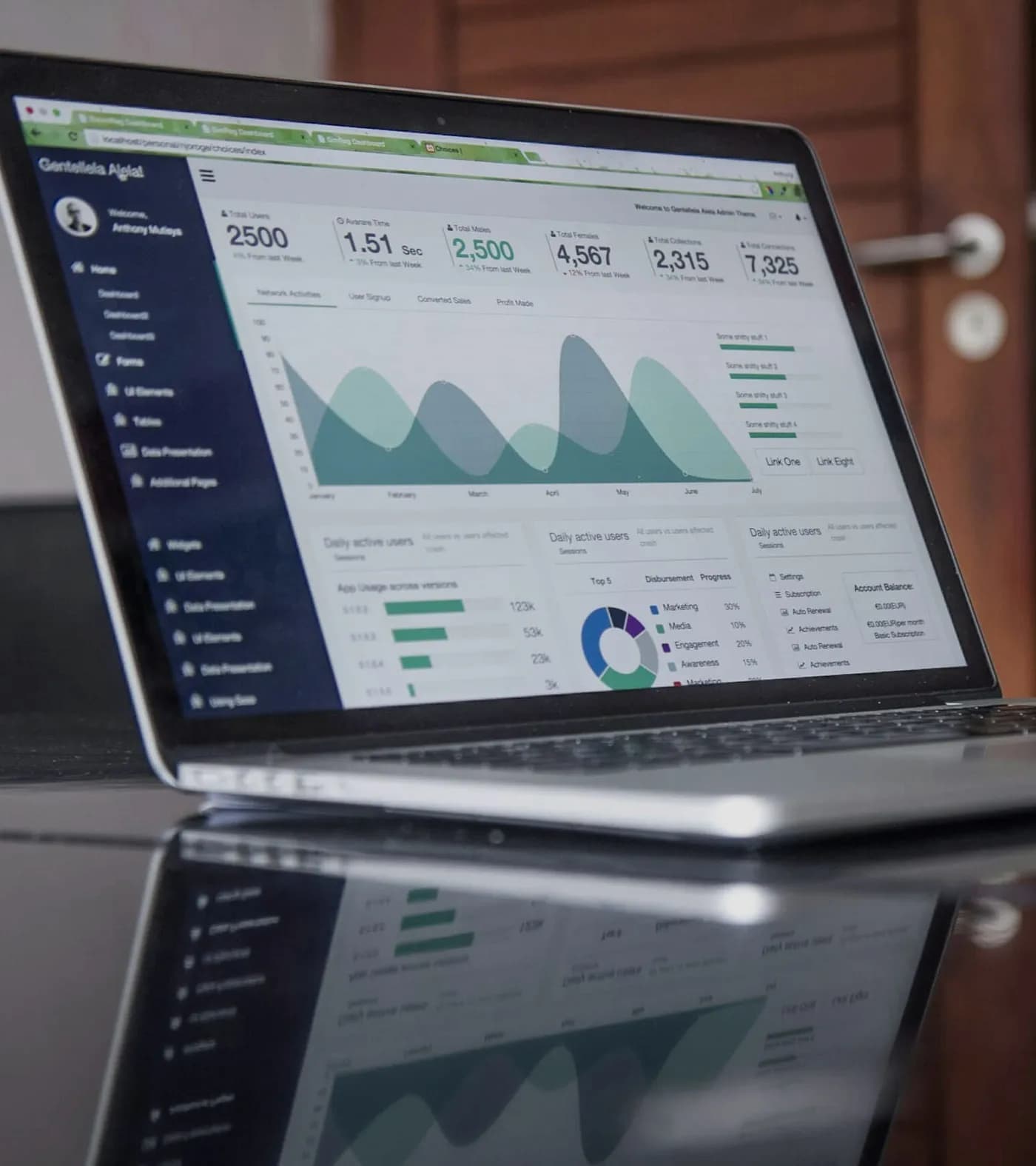
We build dashboards that pull numbers from your systems into one place, and admin panels that let your team manage customers, orders and content without touching a database or a spreadsheet.
- Best for
- Teams spending hours each week compiling reports, and products that need a proper back office.
- Price
- Fixed quote after one call
- Progress
- A preview link every week
- Next.js
- React
- PostgreSQL
- Supabase
- Looker Studio
Sound familiar?
You are in the right place if
- Every Monday someone spends half a day building the same report.
- Numbers in sales, finance and operations never match.
- Your team edits records straight in the database because there is no admin screen.
- Managers ask for data that exists but nobody can get to quickly.
What you get
Everything included
Delivered together and tested before launch.
- 01
Agreed key numbers
The few measures each team actually decides with, defined once so everyone means the same thing.
- 02
Data connections
Data pulled from your app, store, CRM, accounting or spreadsheets on a schedule.
- 03
Clear charts and tables
Designed to answer a question at a glance, with filters by date, team or region.
- 04
Admin screens
Search, view and edit records with the right permissions and a log of changes.
- 05
Exports and alerts
CSV and PDF exports, and alerts when a number crosses a line you set.
How it works
4 steps, one fixed price
A focused dashboard often takes a few weeks. A full admin panel is planned as part of the app it manages.
- 1
Questions first
We list the decisions the dashboard should help with and the data behind each one.
- 2
Connect the data
We connect sources and check the numbers against your current reports.
- 3
Design and build
Screens designed for the people who use them, built and tested with real data.
- 4
Roll out
Training, then improvements from feedback in the first weeks.
Pricing
A fixed quote, so you know the full cost up front
Each dashboard or admin panel gets a fixed quote after we map the data sources.
Get a fixed quoteWhat shapes the quote
- 01Number and type of data sources
- 02How many views and user roles
- 03Real-time data or daily updates
- 04Editing and approval workflows
Is it right for you
An honest answer before you spend anything
A good fit
- Teams spending hours each week compiling reports, and products that need a proper back office.
Probably not the right fit
- If your data already sits in one tool with good reports, set those up before building a custom dashboard.
- If you only need a one-off analysis, a spreadsheet model may be enough.
Why not use Power BI or Looker Studio?
Often you should, and we can set those up. A custom dashboard makes sense when it needs to sit inside your product, show data to customers, or let people edit records, not just view them.
Can customers see their own dashboard?
Yes. We can build customer-facing dashboards that show each customer only their own data.
How fresh is the data?
From real time to daily, depending on the source and what the decisions need.
Is the data secure?
Access is controlled by role, connections are encrypted and actions are logged.
Want the numbers that matter in one place?
Tell us what you need. After a 30-minute call, you get a fixed quote for the whole project.